

LIVE VIRTUAL: 2025 Bereavement Peer Support Facilitator Training Course
Current Status
Price
Get Started
Course Credit
Student is not logged in or does not have accecss to the course
Course Handouts
- Full Faculty Guide
- Queer Death Studies
- Suffocated grief, resilience and survival among African American families
- To Mourn Beyond the Human
- A Heuristic Framework for the Cultural Adaption of Interventions
- “Liberating Grief” – Applying an Anti-Oppressive Framework to the Field
- Feasibility, Acceptability, and Effectiveness of Adding an Evidence-Based Parent/Caregiver Program for Bereaved Families to Usual Community-Based Services
- Mindfulness-Base Interventions
- A Theory of Resonance
- CAUSE OF DEATH AND THE QUEST FOR MEANING AFTER THE LOSS OF A CHILD
- Cautioning Health-Care Professionals: Bereaved Persons Are Misguided Through the Stages of Grief
- Investing in bereavement care as a public health priority
- The Grief of Mothers After the Sudden Unexpected Death of Their Infants
- Bereavement Support for Spouses
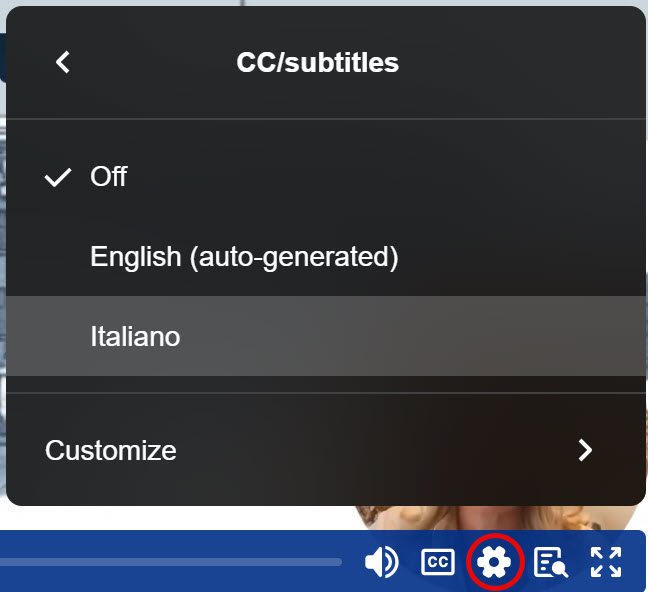
For Italian captions, select the gear button and then select “Italiano” from the list of languages.
Course Introduction
How to Use In-meeting Language Translation (Interprefy)
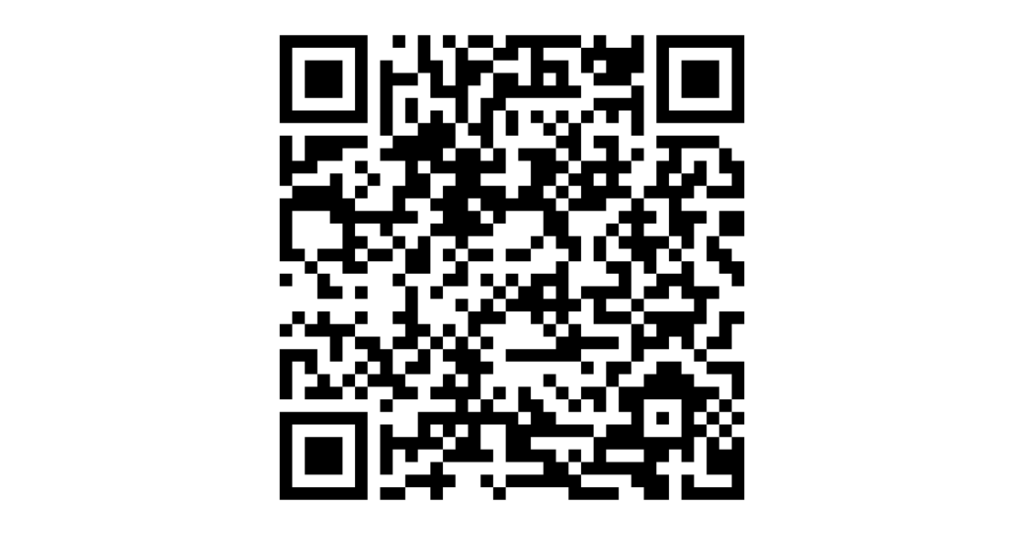
We will be providing real-time two-way audio and text translations to enhance conversation with our Italian colleagues during the meeting. For Italian translations, we recommend using the phone app that can be downloaded with the QR codes below. Please review the video and documents below to familiarize yourself with the language translation application we will be using.
Interprefy Documentation
- Mobile App User Guide – English
- Mobile App User Guide – Italian
- Web browser Instructions – English
- Zoom Instructions – English
Download Interpefy App
For Apple iOS:

For Google Play Store:
Overview
- Dates: November 17, 18, and 19, 2025
- Live Sessions:
- Days 1 & 3: 2-6 PM EST
- Day 2: 2-6:15 PM EST
- Pre-Recorded Content: 30–60 minutes of videos to be watched before each day’s session.
- Breakout Sessions: Occur within the 4 hour course period.
- Pre-Course Materials: Participants will receive access prior to the start of the course. Please consider purchasing headsets for listening during the course, which will minimize microphone feedback during interactive sessions and, for those using two-way translation, reduce background noise.
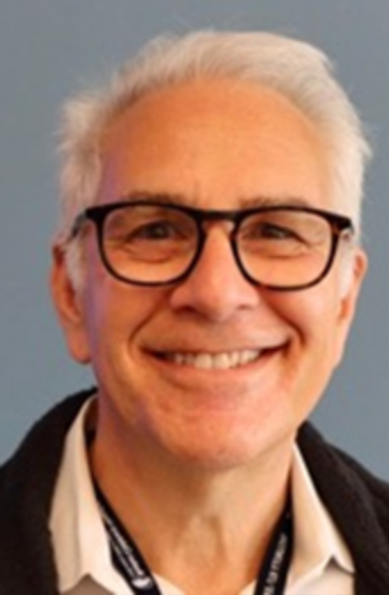
Rick Goldstein, MD (Course Co-Director)
Dr. Rick Goldstein is a pediatric palliative care physician and Director of the Robert’s Program on Sudden Unexpected Death in Pediatrics at Boston Children’s Hospital and an Associate Professor of Pediatrics at Harvard Medical School. His clinical and research work centers on understanding and addressing the needs of families following the sudden death of a child, from medical evaluation to psychosocial support.
Dr. Goldstein has led landmark research on grief in parents after sudden infant death, including the largest study of bereaved mothers following SIDS. He has also designed and directed peer support training initiatives to strengthen community-based bereavement care.

Liza Hita, PhD
Dr. Liza Hita is a Clinical Associate Professor of Psychology at Arizona State University whose career began in community mental health counseling. Her research and practice focus on developing, adapting, and disseminating preventive interventions for families experiencing major life transitions. She has led projects supporting high-conflict families, separating and divorced parents, bereaved caregivers, and families impacted by incarceration.
Dr. Hita also specializes in community-led cultural adaptation and counselor training. Her current work examines the online delivery and cultural resonance of evidence-based parenting interventions and the development of sustainable, community-embedded models of supervision. She brings deep expertise in bridging research and practice to ensure that interventions are accessible, relevant, and impactful for diverse families.
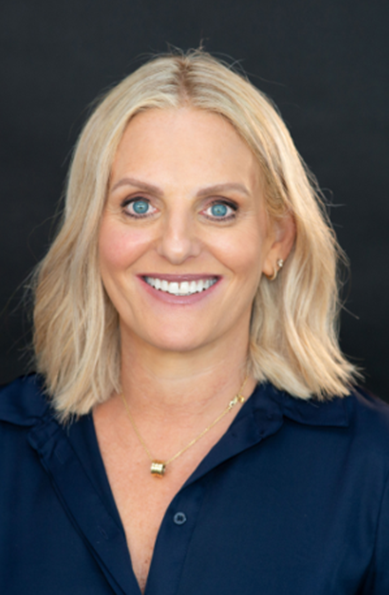
Keren Ludski, MA
Keren Ludski is the former Chief Executive Officer of Red Nose Australia, the nation’s leading organization providing safe sleep and pregnancy education and bereavement support for families affected by miscarriage, stillbirth, or the death of a baby or child. In this role, she led national safe sleep and safer pregnancy campaigns, expanded access to clinical and peer-based bereavement services, and advocated for sustainable funding.
Keren is Co-Chair of the International Society for the Study and Prevention of Perinatal and Infant Death Bereavement Working Group and has been a passionate advocate for bereaved families for more than two decades. A skilled clinician, she has developed and delivered nationally recognized grief and loss training programs and serves on multiple national and international advisory committees. Keren also brings her lived experience as a bereaved parent, ensuring that the voices of families remain central to service delivery, research, and policy.

Wendy Lichtenthal, PhD
Dr. Wendy Lichtenthal is Director of the Center for the Advancement of Bereavement Care at the Sylvester Comprehensive Cancer Center and Professor in the Department of Public Health Sciences at the University of Miami Miller School of Medicine. Her research focuses on developing and evaluating innovative psychosocial interventions for cancer patients, survivors, and their families, with particular expertise in bereavement and survivorship.
Dr. Lichtenthal’s research, funded by the National Institutes of Health, the American Cancer Society, the T.J. Martell Foundation, and MSK’s Cycle for Survival, focuses on grief and bereavement, cancer survivorship, and meaning-making in the face of adversity. She co-developed the Meaning-Centered Grief Therapy and EMPOWER manuals, which have been adopted internationally in both research and practice. Her work advances evidence-based models of transitional care, improving psychosocial support for families as they move from hospital-based care into the community and face the challenges of serious illness and loss.
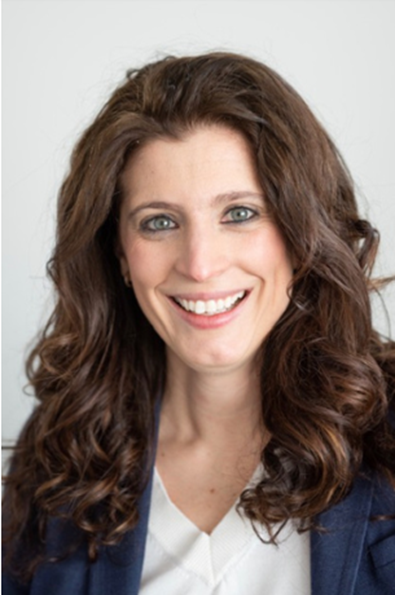
Sarah McCarthy, PhD (Course Co-Director)
Dr. Sarah McCarthy is Director of Psychology for the Robert’s Program on Sudden Unexpected Death in Pediatrics at Boston Children’s Hospital and Assistant Professor of Pediatrics at Harvard Medical School. She has published more than 50 peer-reviewed articles in journals such as The New England Journal of Medicine, Pediatrics, and JAMA Pediatrics, with research funded by AHRQ, PCORI, and other competitive grants. Her work has shaped the way clinicians support children with serious illness and their families, both during care and into bereavement.
In addition to her scholarly work, Dr. McCarthy draws on her lived experience as the mother of a child who died of cancer. Her dual perspective as clinician and bereaved parent informs her research priorities and advocacy, ensuring that care for families is grounded in compassion and lived expertise. She frequently presents at national and international meetings and contributes to public discourse on health care, family experience, and bereavement.
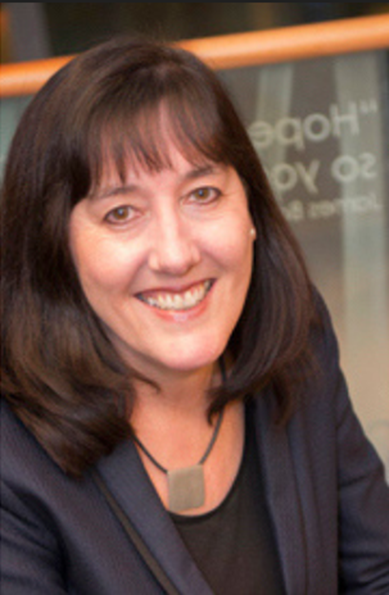
Sue Morris, PsyD
Dr. Sue Morris is a Senior Psychologist and Director of Bereavement Services at Dana-Farber Cancer Institute and a faculty member of the Robert’s Program on Sudden Unexpected Death in Pediatrics at Boston Children’s Hospital. She is also an Assistant Professor of Psychiatry at Harvard Medical School.
Dr. Morris has worked in bereavement for more than 25 years in both Sydney and Boston, specializing in adult mental health and cognitive-behavioral therapy. She is the author of Overcoming Grief and An Introduction to Coping with Grief and is a frequent lecturer for Harvard Medical School’s Center for Palliative Care continuing education courses. She also teaches medical students, residents, and fellows on the topics of grief and loss, contributing her deep expertise to both clinical care and professional training.
Below is the group discussion board for the conference. To add a message:
- Click the black plus button in the bottom right corner of the Padlet board.
- In the message window, type a subject and your name in the subject line.
- Enter your message in the message field.
- Click the blue “Publish” button in the upper right corner to publish your message.

Please see the FAQs below for common questions about how to work through a course. If you have a question or issue that is not addressed in the FAQ, please use this form to submit a help request, or if your issue is urgent, call the CME office at: 617-919-9908.
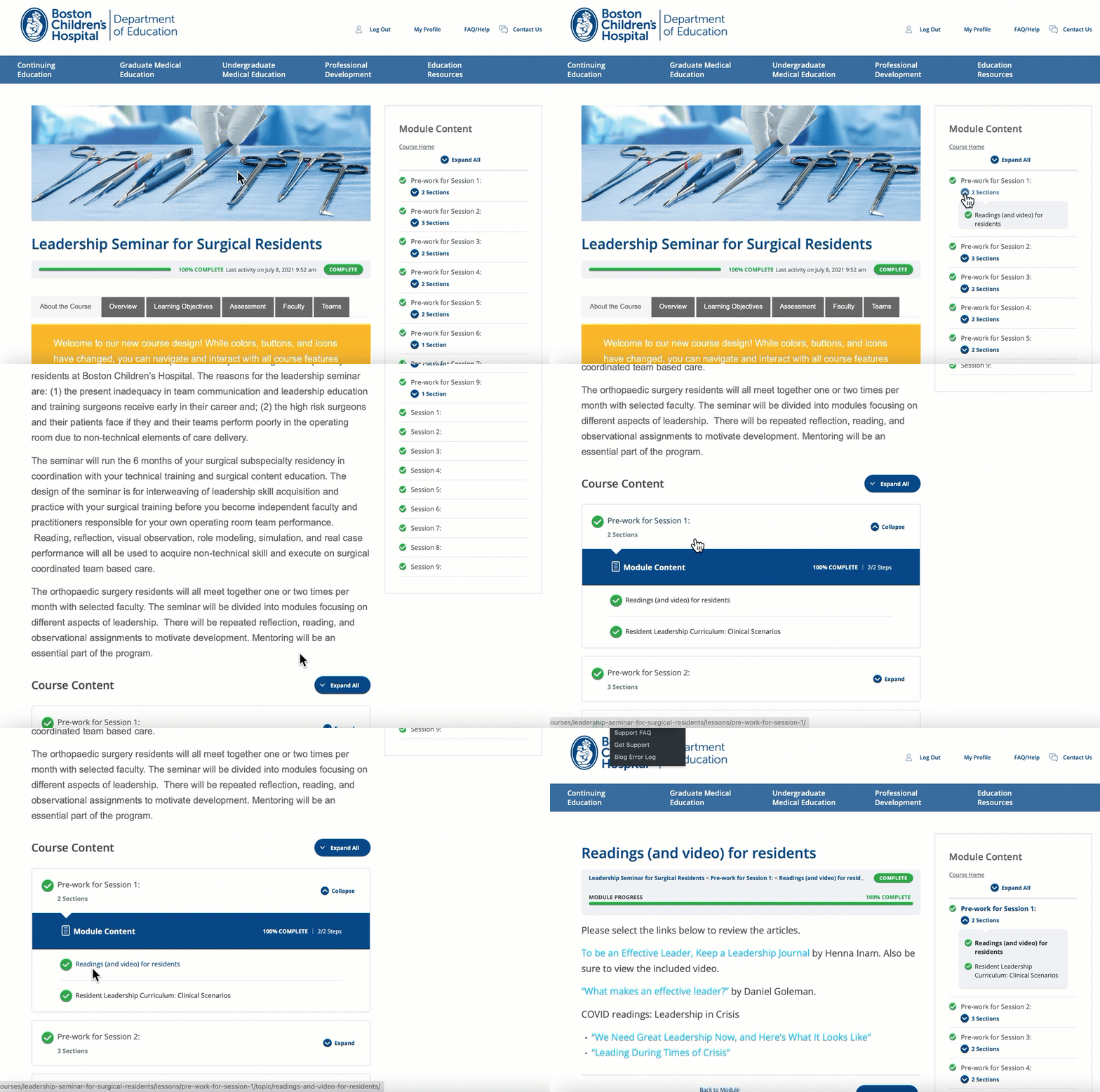
How do I navigate this course? There are two ways to access and navigate course content with the interactive table of contents: at the bottom of the main course page or in the sidebar on the right side of the page. Select the links in the table of contents to access the corresponding content. Each content module or section can only be accessed if the prior ones are completed. Use the breadcrumbs at the top of any course page to orient yourself within a course, or return to a previous course section or the main course page. How do I download a certificate? There are two ways to view/download your certificate: from within the course or from the course listing under your profile (select the document icon). In either case, you must have selected at least one available course credit type to generate a certificate. How do navigate this course?
How do I download a certificate?